West Coast Electric Highway
The EV charging stations at this property are part of the West Coast Electric Highway, a network of DC fast charging stations located every 25 to 50 miles along Interstate 5 and other major roadways in British Columbia, Washington, Oregon, and California.
The California I-5 portion of the West Coast Electric Highway was funded in part by the California Energy Commission’s Clean Transportation Program and contributes to the state’s goal of 1.5 million zero-emission vehicles on the road by 2025.


EV drivers have a variety of options to charge their cars at home or work, while running errands, or making pit stops on long-distance trips.
means plugging in to a typical 110-volt household outlet.
uses a 240-volt outlet and a special charging station.
converts AC power to DC power to charge much faster than Level 2. Not all EV models have a DC fast charging port.
This location offers Level 2 and DC fast chargers (with both SAE Combo and CHAdeMO connectors). Download ChargePoint’s app to find other charging stations across the country.
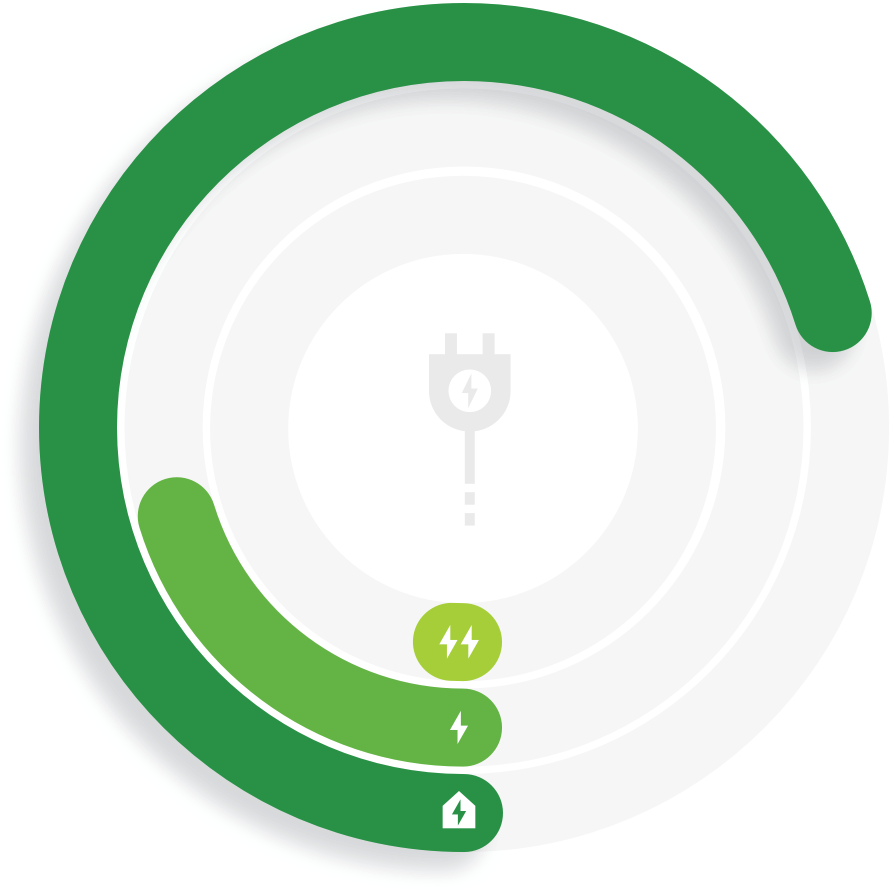
*Example charging times for vehicles with 100-mile batteries. Charging times vary by station and vehicle model.
ChargePoint members tap in using the ChargePoint app on their smart phone or their ChargePoint card. Non-members can tap their Apple Pay, Google Pay or contactless credit card – or call the toll-free number on the station to pay by credit card.
Push the button on the connector to lift it out of the holster.
Plug the connector into your vehicle (and hit the blue button to start charging, for fast charging). Check your vehicle’s indicator lights or dashboard to make sure you’re charging.
Relax and go about your day. ChargePoint members will receive an update when their EV is done charging.
Unplug and return the connector to the holster. Tap out to end the session.
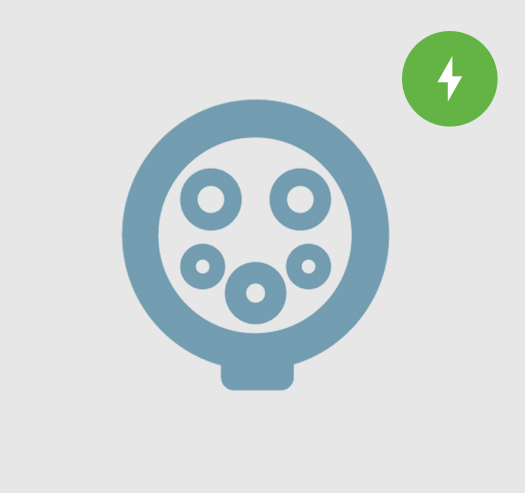
Level 2 connector compatible with all EVs except Teslas.
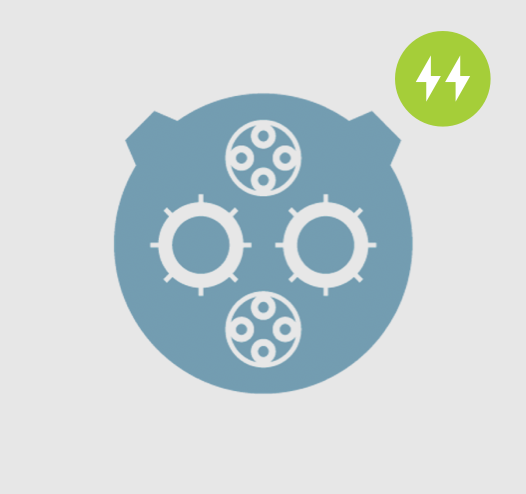
DC fast charger connector compatible with EVs from some Asian manufacturers.
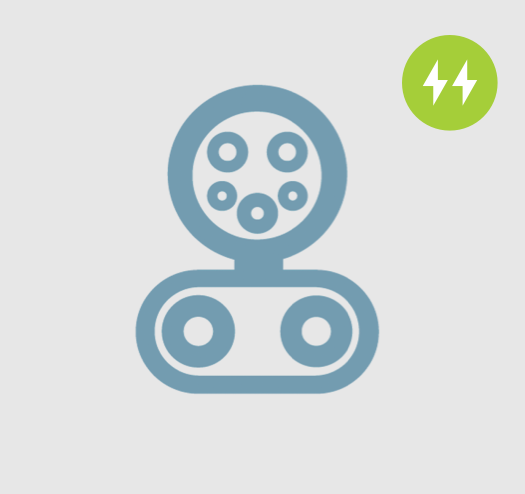
DC fast charger connector compatible with EVs from U.S., European and some Asian manufacturers, except Teslas.
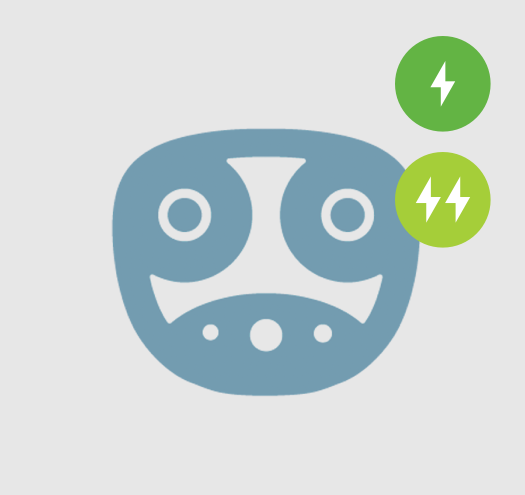
(Tesla vehicles also can use an adapter to charge on J1772 or CHAdeMO connectors)